If you've recently bumped up to a faster internet plan but you're still fighting slow speeds and weak signal in the bedroom, basement, or garage, you're not alone — and you're not imagining it. It's one of the most common calls we get at Fisher Custom AV, and the root cause almost always comes down to the same thing. We see it constantly on job sites too — when we arrive to install
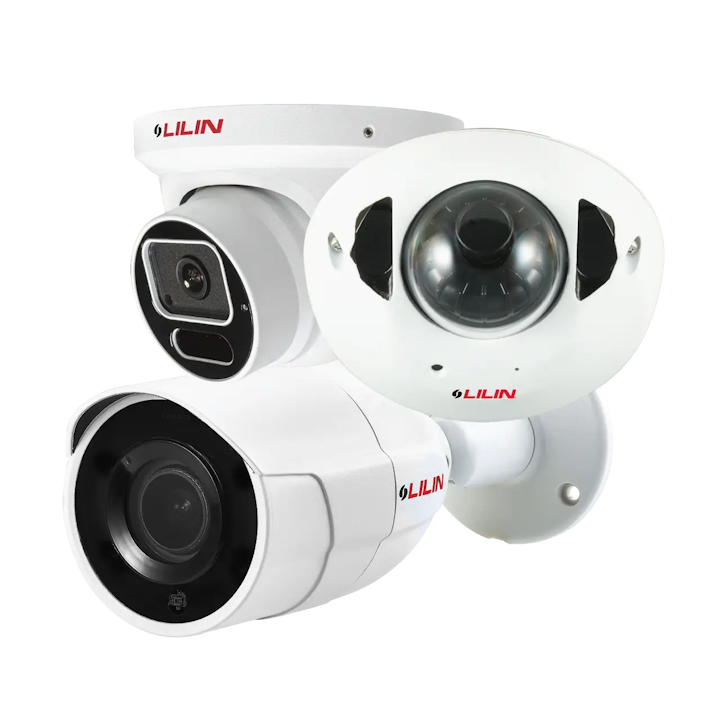
security cameras,
whole-home audio,
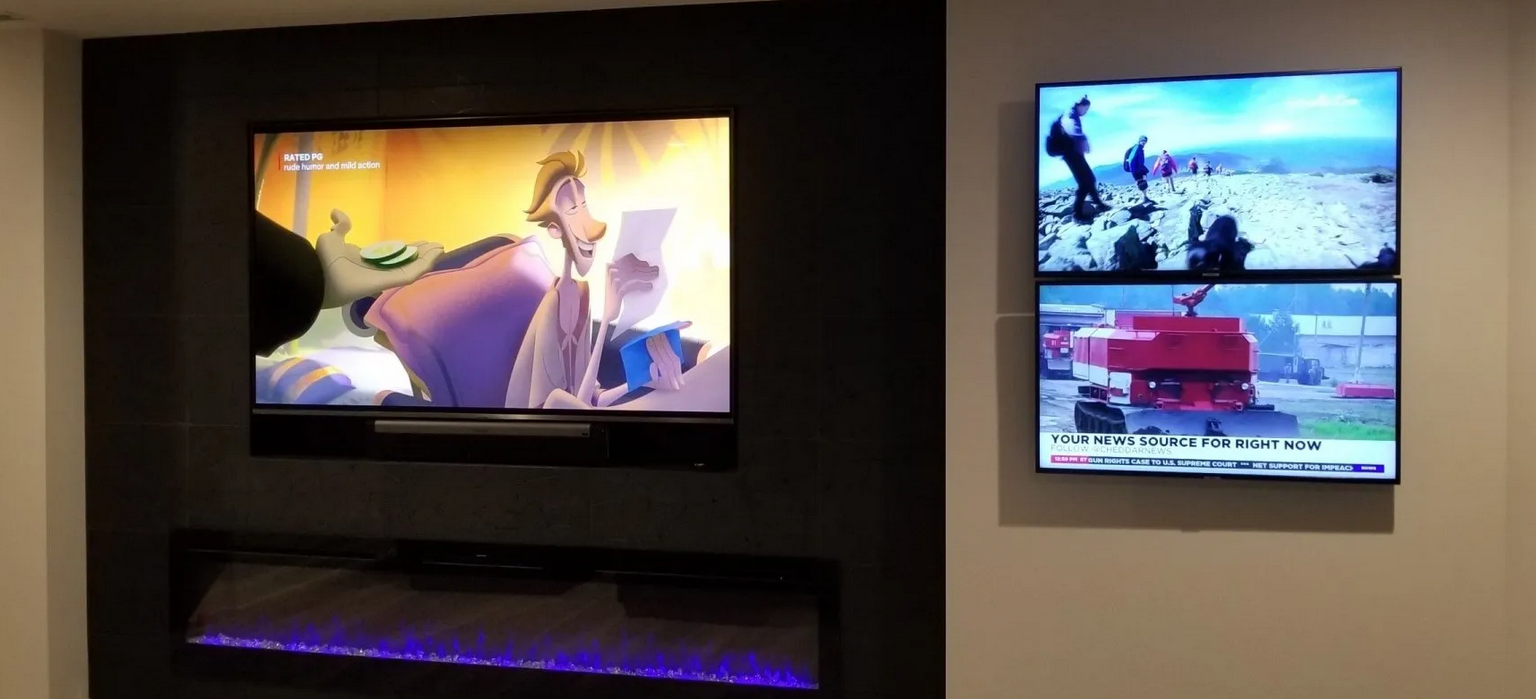
Sony TV Installations,
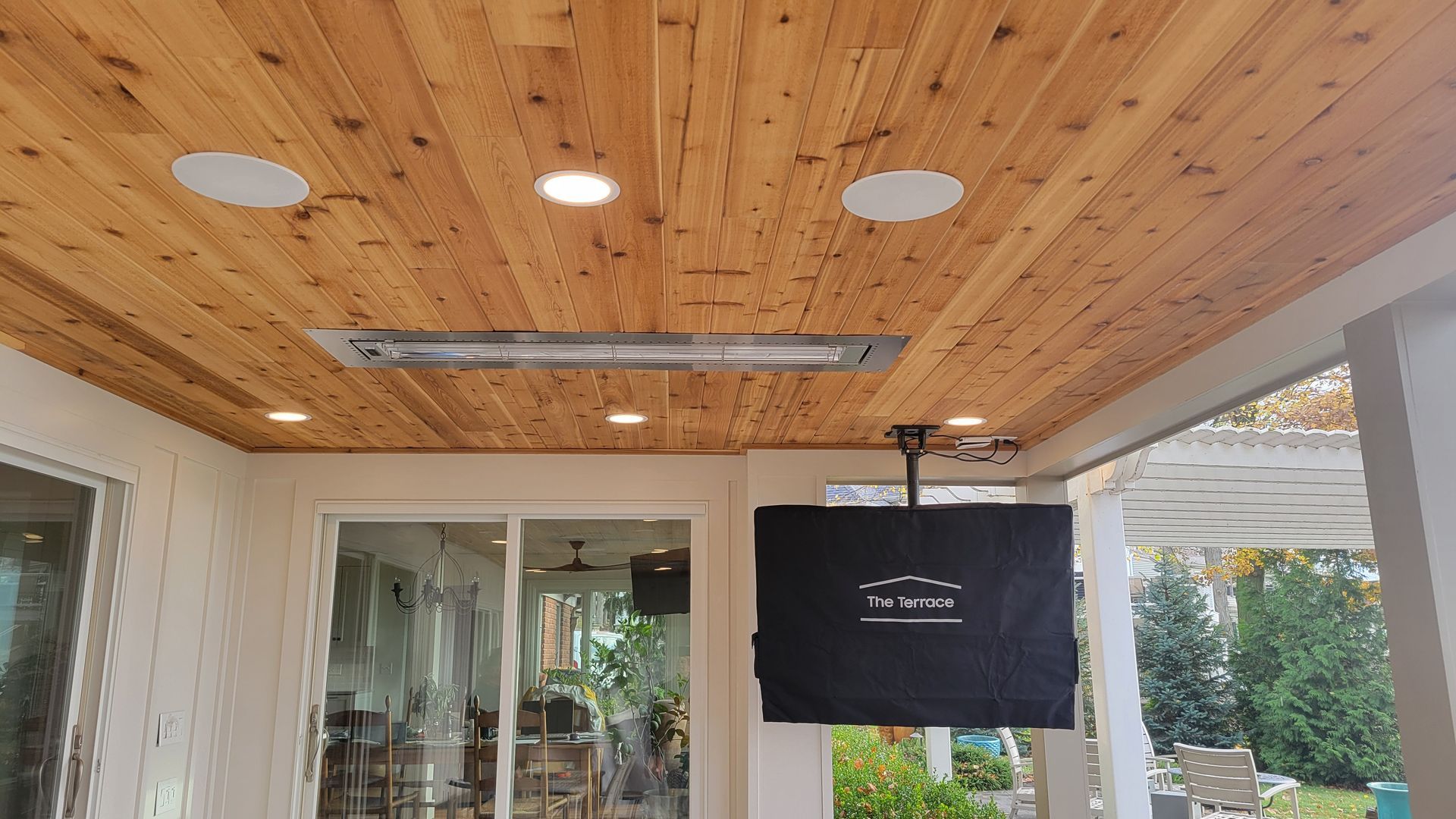
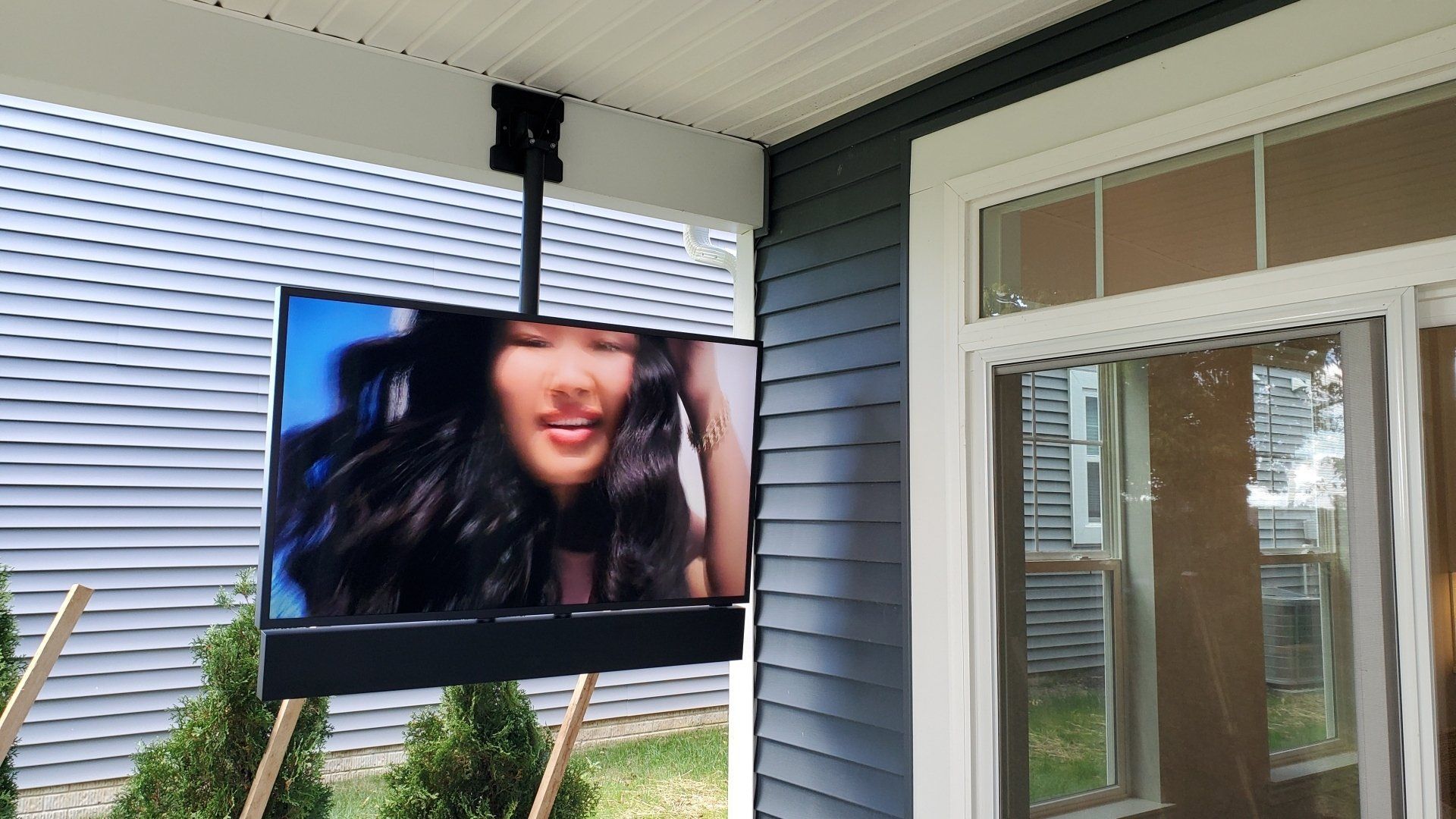
Samsung TV Installations or
mount a new TV, weak WiFi coverage is often the first problem we run into. Weak WiFi equals slow speeds.
Since a strong, stable network is what allows cameras to stream, audio systems to sync, and smart TVs to function properly, we typically address the WiFi situation first, before starting the work we were actually called out to do. We want every installation we do, regardless of what it is, to actually work correctly. It doesn't do our clients or us any good to install hundreds or thousands of dollars of camera, TV, or audio equipment if the internet it relies on isn't set up properly.
The Upgrade That Doesn't Actually Fix the Problem
When homeowners call their internet provider to increase their speed, the technician who shows up is focused on one job: getting a fast signal from the street into your house. To handle WiFi throughout the home, they'll usually hand you one router, or maybe drop in a second mesh unit if you ask nicely or complain about a weak spot.
That's where the trouble starts. A single router — or even two mesh points — is rarely enough to blanket an entire house in strong, reliable WiFi. Radio signal doesn't travel in a straight line through a home. It has to fight through:
- Framing, drywall, and insulation
- Ductwork and plumbing
- Mirrors, appliances, and metal studs
- Multiple floors and long hallways
- Detached garages, basements, and outdoor living spaces
A router that puts out a great signal in the living room can drop to a crawl by the time it reaches the primary bedroom on the far side of the house, let alone the garage or the patio.
Faster Internet In, Same Weak Coverage Out
Here's the part that surprises most people: upgrading your internet
speed and upgrading your WiFi
coverage are two completely different things.
Your internet speed is about how much data can come into your house from your provider. Your WiFi coverage is about how well that data actually reaches every device, in every room, once it's inside. You can pay for gigabit internet and still get 10 Mbps in the basement office if the signal has to punch through three walls and a floor to get there.
Provider techs typically aren't equipped — or trained — to design a whole-home wireless system. They're there to get you online, not to survey your house, map out dead zones, and place equipment for full coverage. So the mesh unit ends up on a shelf near the modem because that's convenient, not because that's where it needs to be to reach your whole house.
The Equipment We Use — And Why the Brand Isn't the Real Value
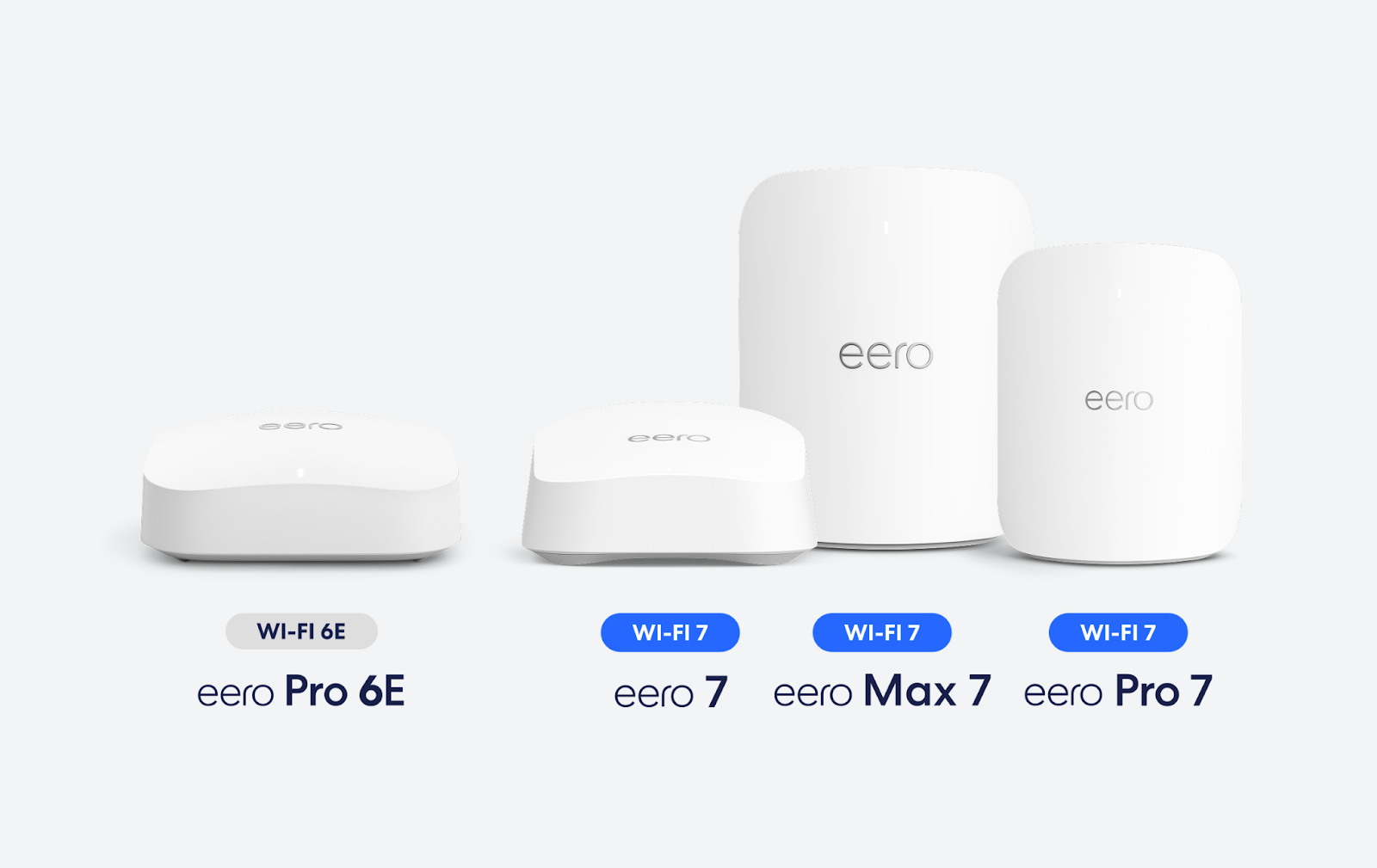
Once people understand that coverage is a design problem, the next question is usually, "So what equipment do you actually install?" We work with professional-grade platforms like Alta Labs, Netgear, Island, and Luxul, along with consumer options like Eero when that's the right fit for a smaller home or simpler layout.
Here's the thing, though: naming a brand doesn't hand you a solution. Alta Labs, Netgear, Island, and Luxul are commercial-grade systems — they're not sold as a shelf-and-go kit. Getting them to actually perform means configuring the network correctly, planning power and data runs to each access point, and knowing how many units a given home needs and exactly where they belong. It's the same reason two people can buy the same set of golf clubs and shoot completely different scores. The equipment is only as good as the design behind it.
That's really what you're paying for when you hire a professional installer: not a box off a shelf, but a system that's surveyed, planned, and placed correctly for your specific home — then wired and configured so it performs the way the manufacturer intended. Take a look at our
network and WiFi installation page for a full breakdown of the systems and services we build around.
What Full WiFi Coverage Actually Looks Like
At Fisher Custom AV, we approach WiFi the way it should be approached: as a design problem, not a plug-and-play afterthought. That means:
- A real signal survey of your home to identify exactly where coverage drops off
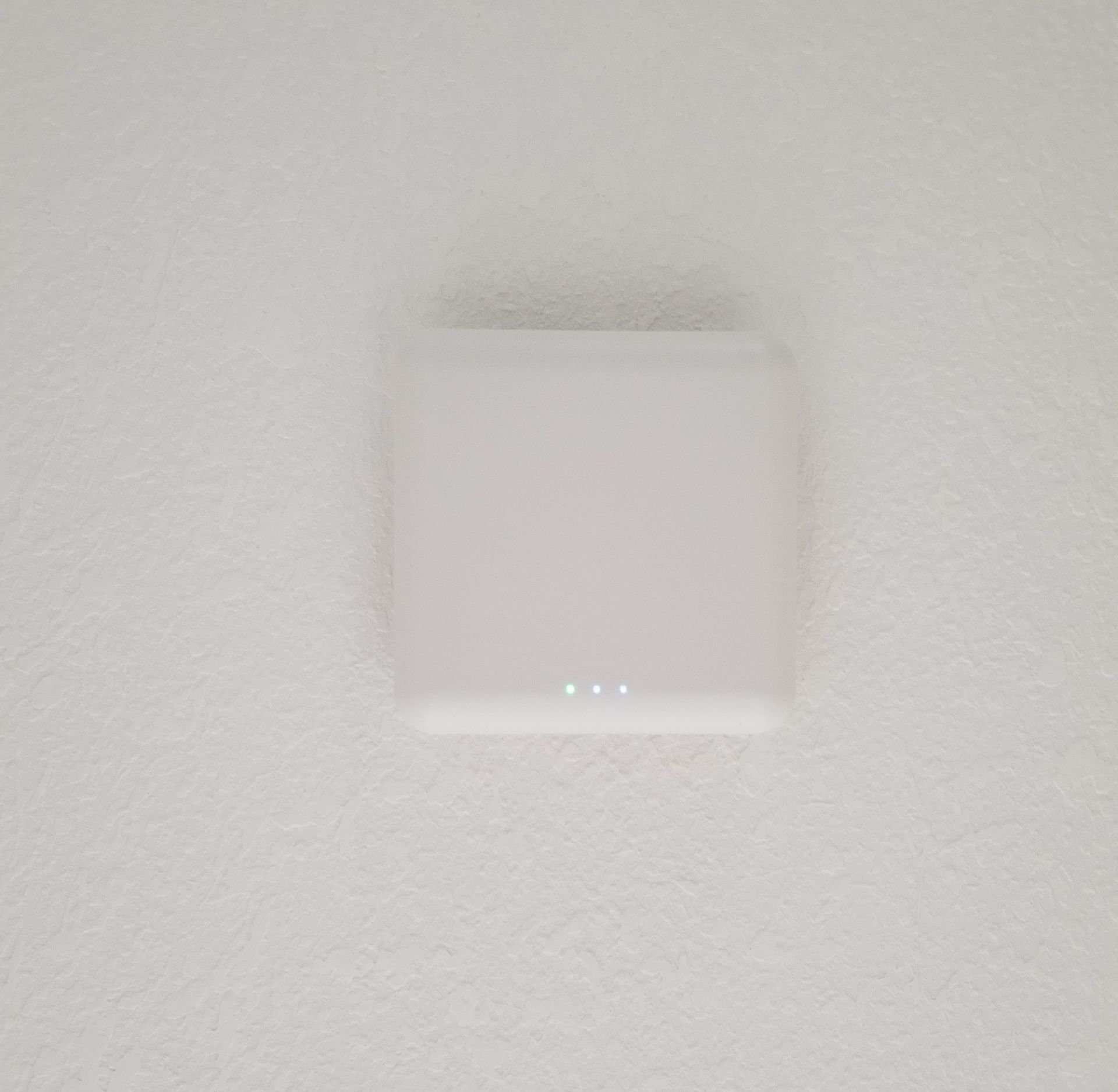
- Enough access points — not just one or two — placed based on your home's actual layout, construction materials, and square footage
- Proper placement, including hardwired backhaul connections where possible, so each access point performs at full strength instead of relying on a weaker wireless mesh link
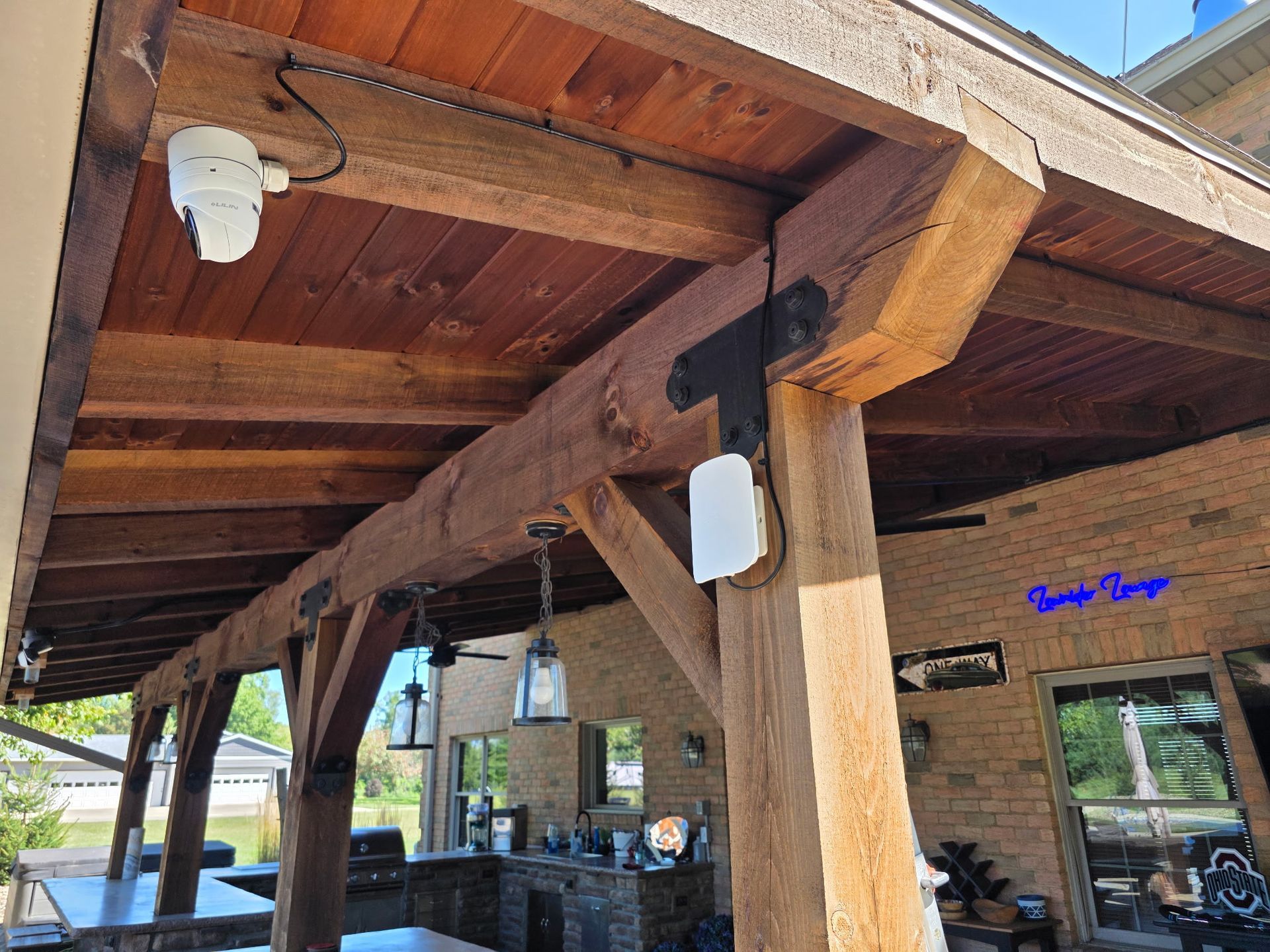
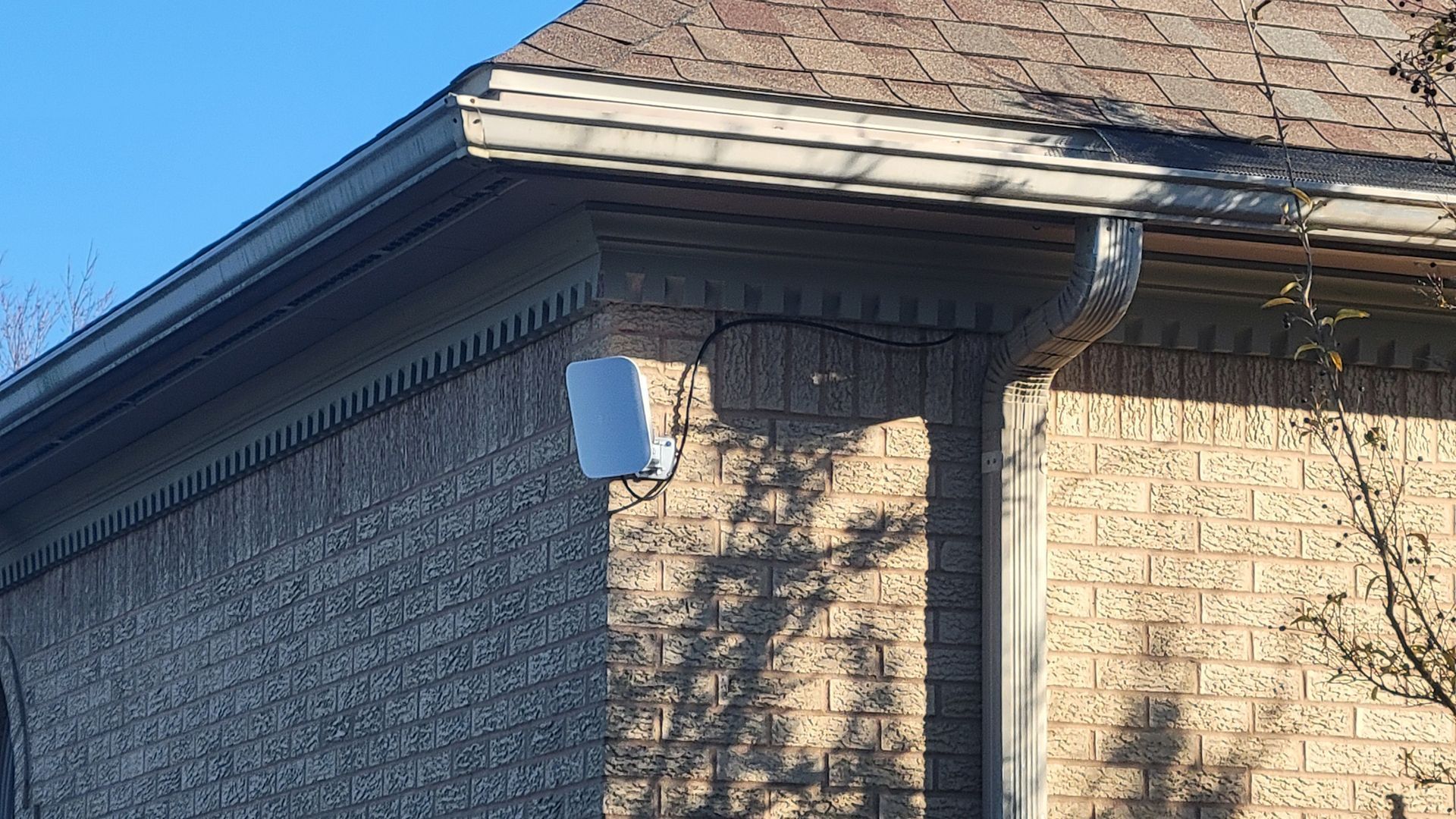
- Coverage that extends outdoors, into garages, and across detached structures if needed
The goal isn't just "internet in every room." It's fast, stable, drop-free WiFi wherever you and your family actually use your devices — streaming in the basement, working from the home office, or video calling from the back patio.
Signs Your Home Needs More Than What Your Provider Installed
- WiFi that's fast near the router but crawls in other rooms
- Video calls or streaming that buffer in certain spots but not others
- Devices that constantly drop and reconnect between the router and a mesh unit
- Smart home devices (cameras, doorbells, thermostats) that go offline randomly
- A router sitting in a closet or on the floor because "that's where the cable came in"
If any of that sounds familiar, the problem usually isn't your internet plan — it's the number and placement of access points covering your home.
Curious what a properly designed system actually looks like in a real home?
See our work to check out past network installations we've completed throughout Norwalk and North Central Ohio.
Serving Homes Throughout North Central Ohio
We install and design whole-home WiFi systems for homeowners throughout Norwalk, Sandusky, Huron, Bellevue, Clyde, Fremont, Vermilion, Amherst, Avon, and the Lakeside/Marblehead area — including lakefront properties, historic homes, and new construction with unique layout and coverage challenges. Visit our
service areas page to see if we cover your community.
Let Us Design It Right
We survey your home, map your dead zones, and design a wireless network with the right number of access points in the right locations — wired for performance, not just wireless convenience. Whether it's a single-story ranch or a multi-level home with a detached garage, we make sure every square foot gets the coverage your internet speed is already paying for.
Ready to finally fix the dead zones? Visit our
network and WiFi installation page to learn more about our process, or see our work to view real installations. Or skip the browsing and fill out the quick form below — tell us a bit about your home and coverage issues, and we'll follow up to schedule your whole-home WiFi assessment.